Free Printable Photo Cards
Make a personalized greeting card with your own photo. Choose a theme, upload your picture, write your message, then print at home or download as a PNG to share digitally. Every design is free, no account or software needed — everything happens right in your browser.
Pick a designBrowse a theme below and click any card to open the maker.
Upload your photoAdd a photo from your device. Drag, zoom, and rotate to fit.
Write your messageEdit cover text and the inside greeting — font, color, size, all customizable.
Print or downloadPrint as a folded card or export a PNG to share digitally.
Quarter-Fold Cards
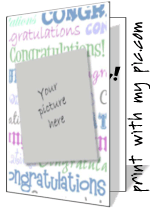
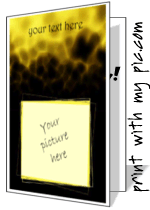
Print on one sheet of paper, fold twice, and cut along the guide lines. Makes a classic 5.5×4.25” greeting card that fits a standard A2 envelope. Best for detailed designs and longer messages.
Half-Fold Cards
Fold a single sheet once to create a larger landscape card. Great for bold photo designs where the image is the star. Write your message inside by hand for a personal touch.
Digital Cards to Share
Download a flat PNG at 1125×1500px — no printing needed. Share by email, text, or social media. Add your photo and message for a side-by-side card layout, or export just the cover.
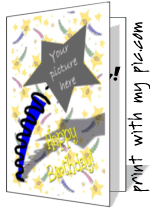
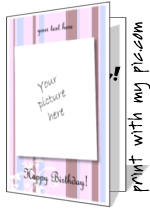
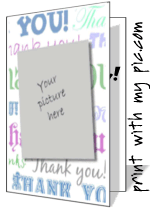
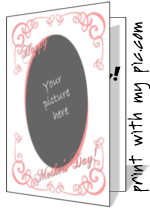

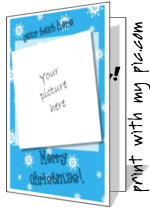
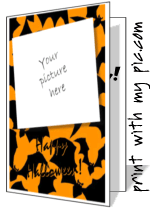
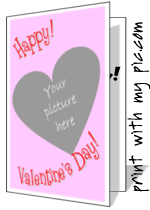
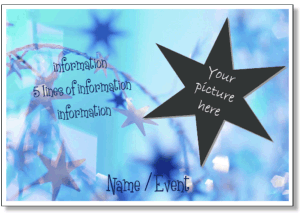
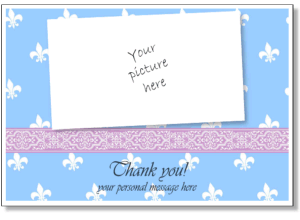
Looking for a flat photo card instead of a folded greeting card? The invitations and announcements section has 5×7 and 4×6 landscape cards that work as birthday party invites, seasonal cards, or general photo cards — fully customizable with your photo and text.

Frequently Asked Questions
Are these cards really free?
Yes — completely free. No sign-up, no account, no watermarks, and nothing to download or install. Open the maker in any browser and start creating.
What's the difference between quarter-fold, half-fold, and digital?
Quarter-fold prints the card on one sheet which you fold twice — the result is a classic greeting card about the size of a store-bought card. Half-fold prints on one sheet and folds once for a larger landscape card. Digital exports a flat PNG image you can share by email, text, or social media without printing anything.
Can I use any photo?
Yes — upload any JPG, PNG, or WebP from your device. For best print quality, use a photo that's at least 1200px on its shortest side. The photo loads behind the card's artwork and you can drag, zoom, and rotate it to fit perfectly inside the transparent photo area.
What paper should I print on?
65–110 lb card stock gives the best results and feels most like a store-bought card. Photo paper works well for image-heavy designs. Standard 20 lb printer paper works fine for a test print before committing to card stock.
Can I edit the text on the card?
Yes — every text field is fully editable. Click a text element on the canvas to select it, then double-click to type. You can change the font, size, color, bold, italic, alignment, rotation, and shadow from the edit panel. Add as many new text fields as you want, or delete the example wording entirely for a clean, text-free design.
Can I make an envelope too?
Yes — there's a free printable envelope maker that lets you add names, addresses, and even a small photo as a decorative stamp in the corner. Print, fold, and seal.
Will it work on my phone or tablet?
The card maker works on mobile and tablet, though a desktop or laptop gives more precision for dragging and positioning text. For best results on mobile, use landscape orientation.